
From the First Assignment to the Final Transcript
A student's academic record is built over time. openSIS keeps every stage connected, giving educators a clear picture of performance today and progress over the years.

"Teachers can track performance as students complete their work, finalize grades when needed, and carry those results forward into reports and long-term academic records."
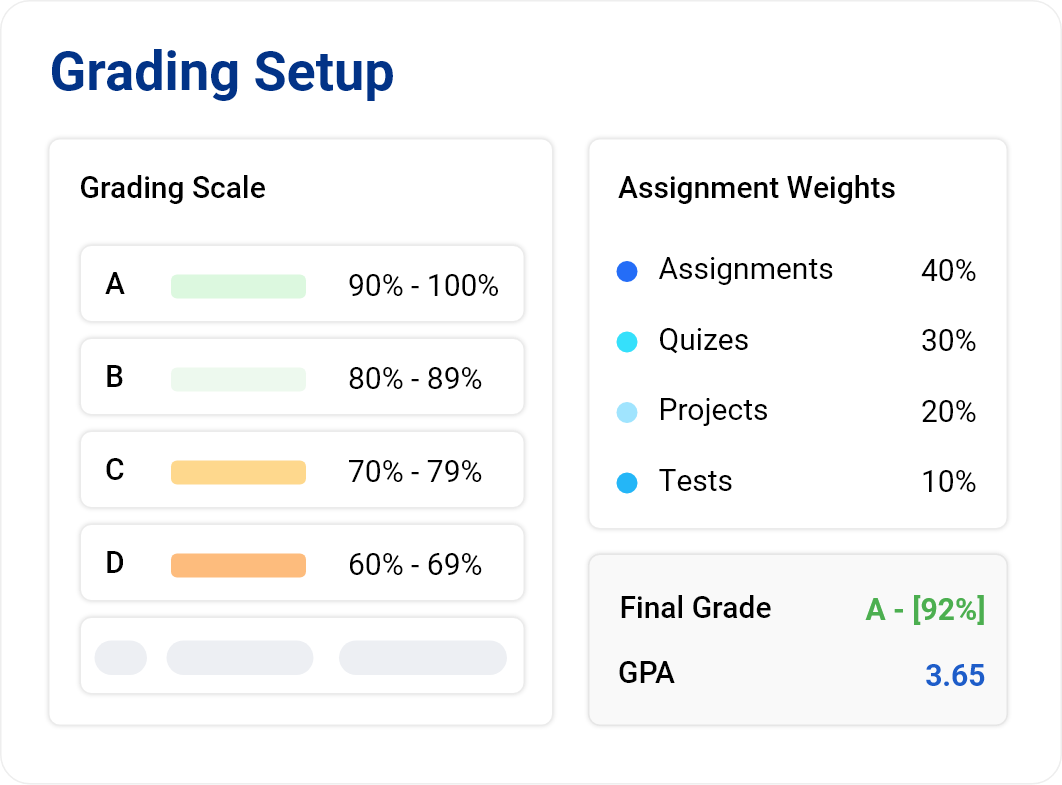
Your Grading System. Your Rules.
Every institution evaluates students differently. openSIS gives schools the flexibility to configure grading around the way they already work.
Administrators can define grading scales, while teachers configure grading and weighting rules for their courses. Assignment grades can automatically calculate the final grade based on the configured setup, or teachers can enter final grades directly.
Whether your institution uses weighted or unweighted GPA, openSIS adapts to your academic policies—not the other way around.
See Progress Before the Final Grade
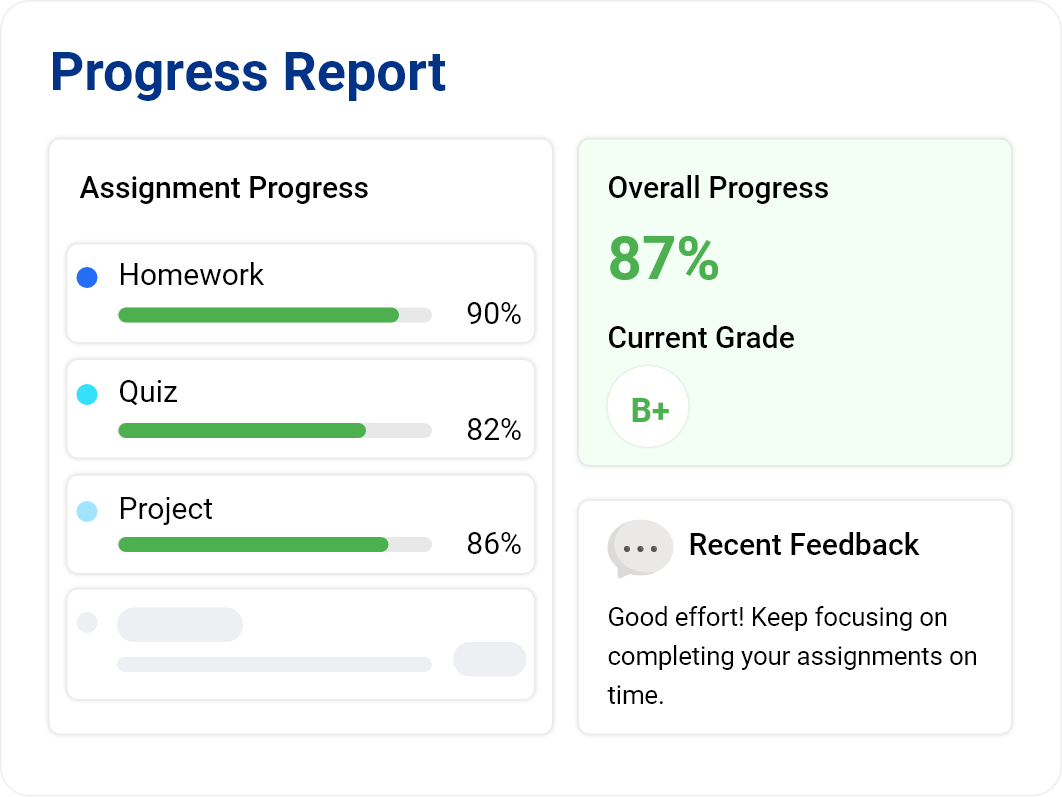
Students shouldn't have to reach the end of a marking period before educators know how they are doing.
Progress reports use ongoing assignment performance to provide a clearer view of academic progress throughout the course, helping teachers and students identify where attention may be needed while there is still time to act.

Report Cards With a Little Help From AI
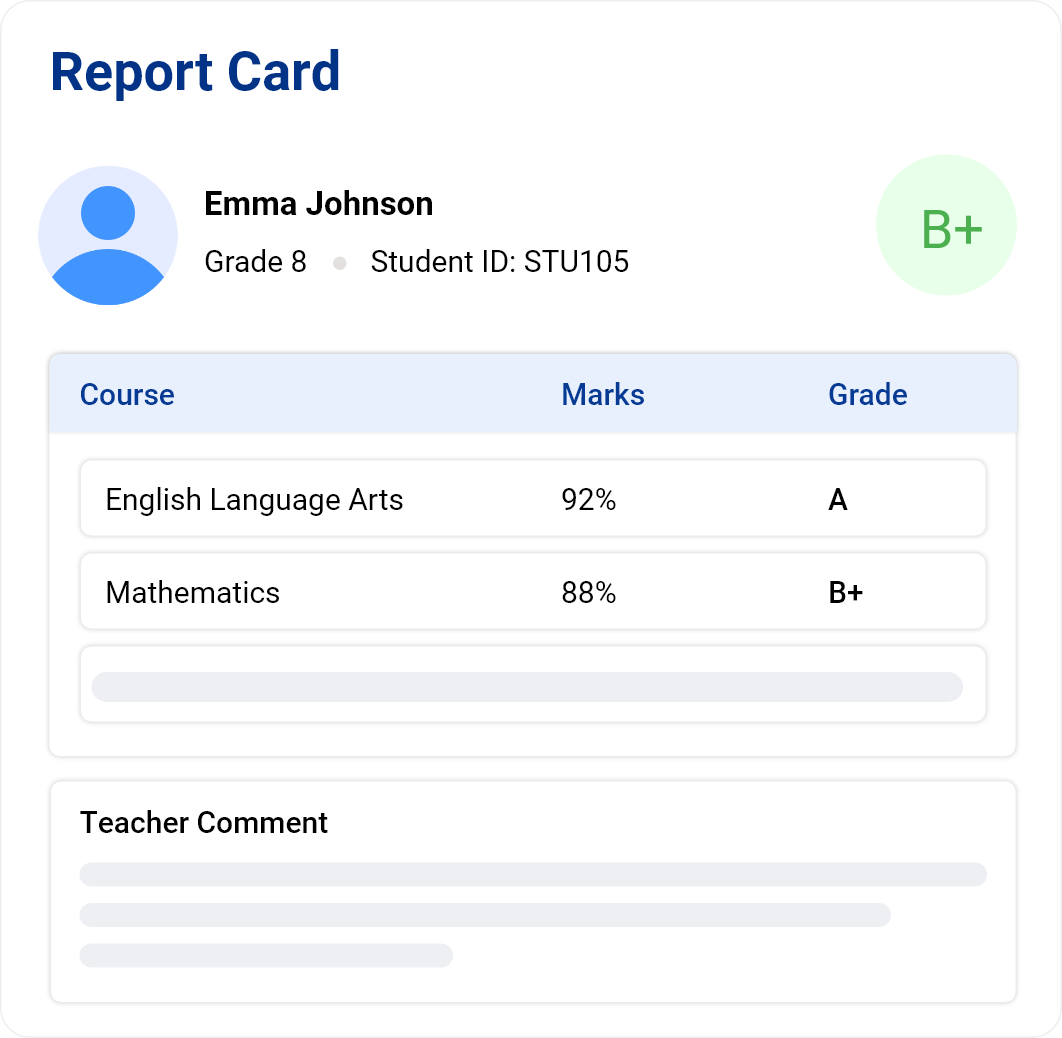
Generate report cards for an individual student or an entire group, with grades and teacher comments brought together in a clear academic report.
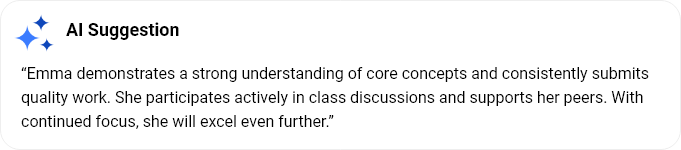
openSIS can also analyze a student's overall performance and suggest an appropriate report card comment, helping teachers spend less time searching for the right words.
AI suggests. Teachers decide.
Teachers remain in control and can review, change, or write their own comments before the report card is finalized.
Bring the Complete Academic History Together
A transcript should tell the student's academic story—not just show the latest grades.
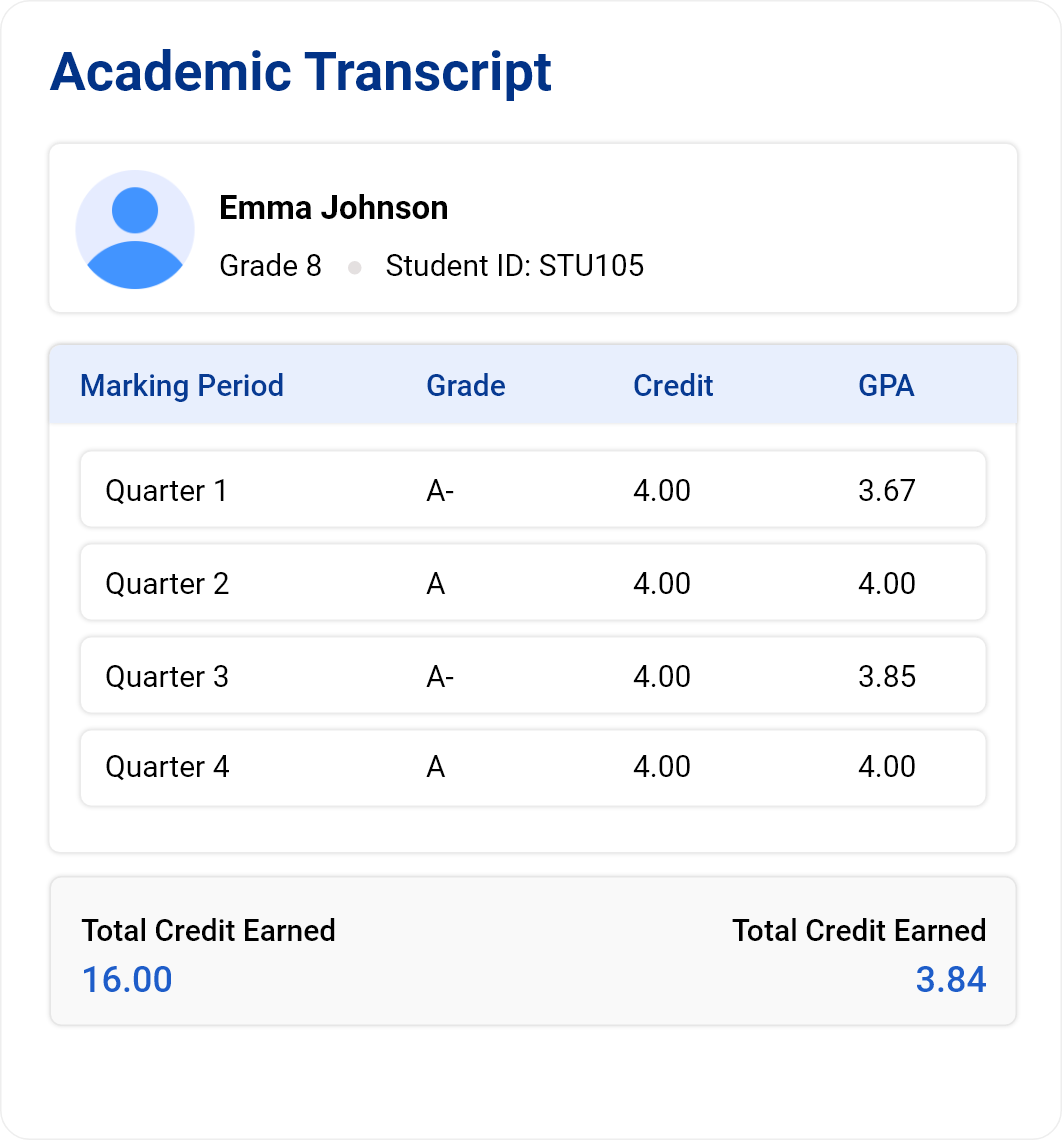
openSIS brings current and historical academic records together, allowing users to select the marking periods they want to include and present grades alongside credits, GPA, attendance, and other relevant academic information.
Historical marking periods and grades can also be recorded, so students who joined the institution with an existing academic history can maintain a more complete record.
Choose from multiple transcript options and templates to present the information your institution needs.


Degree Audit - Keep Graduation Within Sight
Grades are milestones. Graduation is the destination.
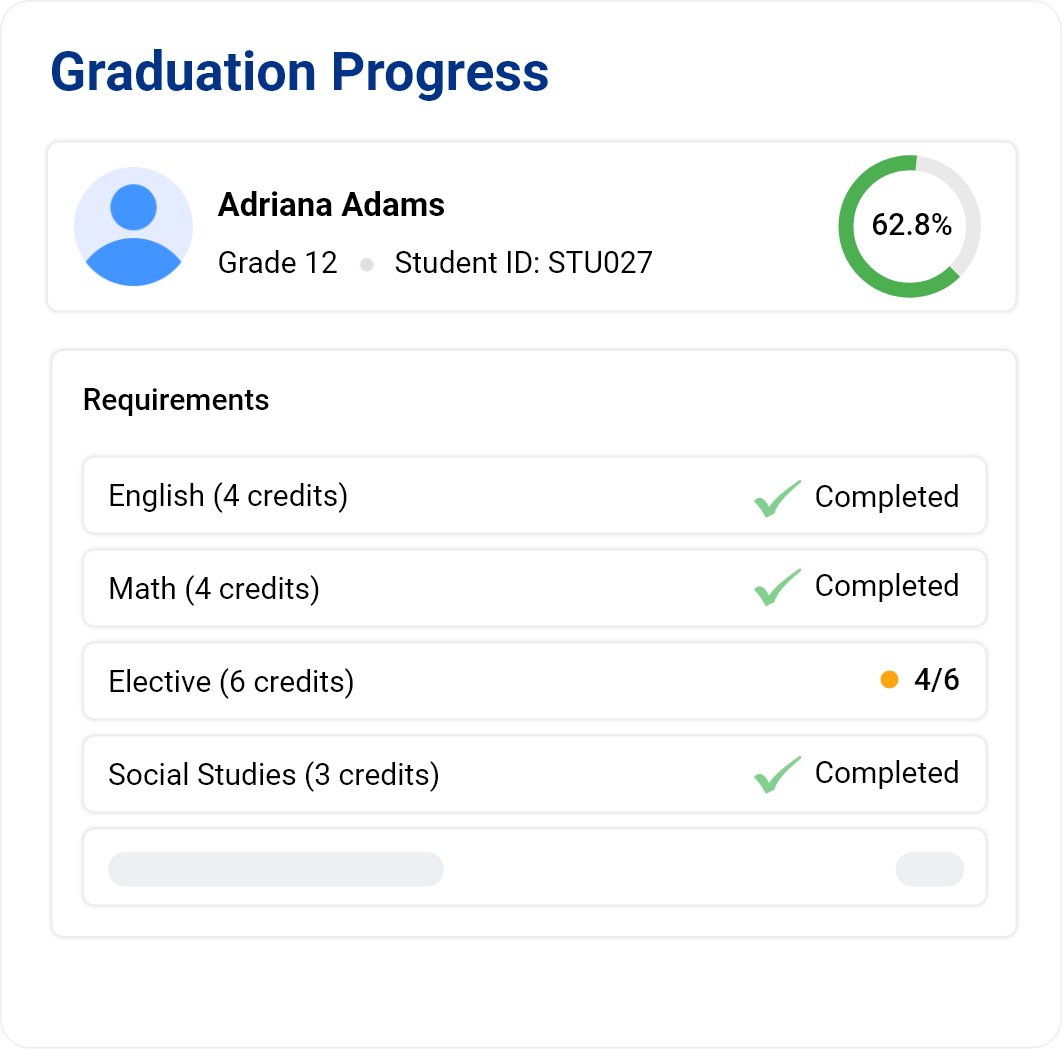
Administrators can define graduation requirements within openSIS, and the system tracks each student's academic progress against those requirements.
Students and educators can clearly see what has been completed, what remains, and how the student is progressing toward graduation.
Turn Achievement Into Something Students Can Carry Forward
Academic milestones deserve more than a line in a record.
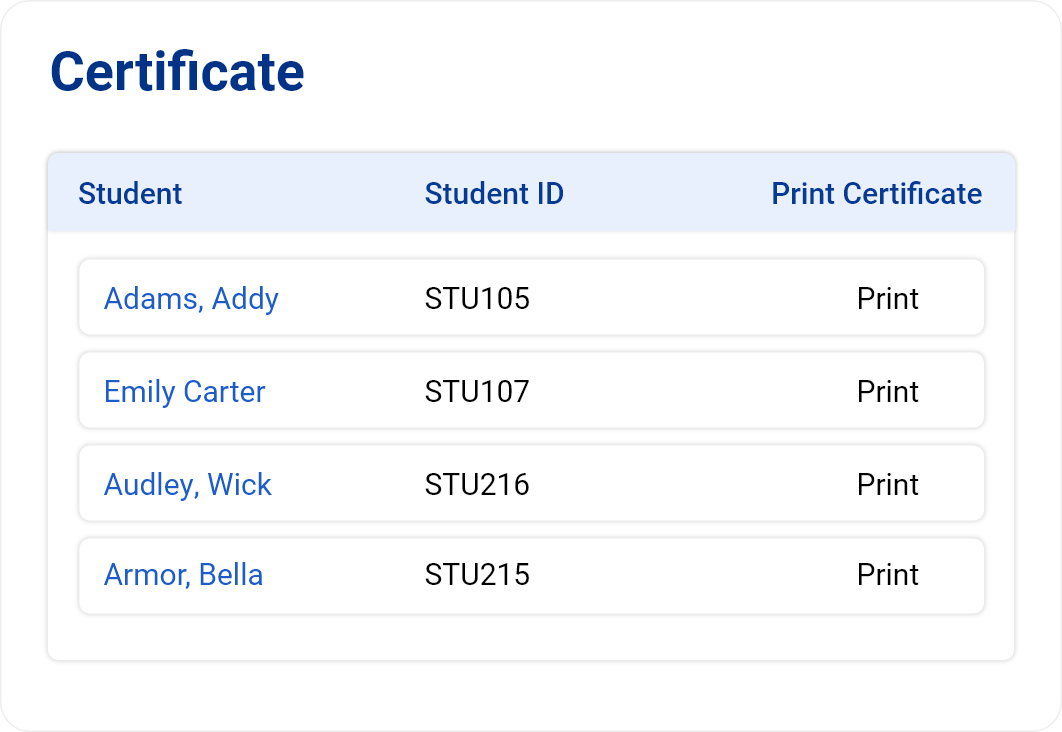
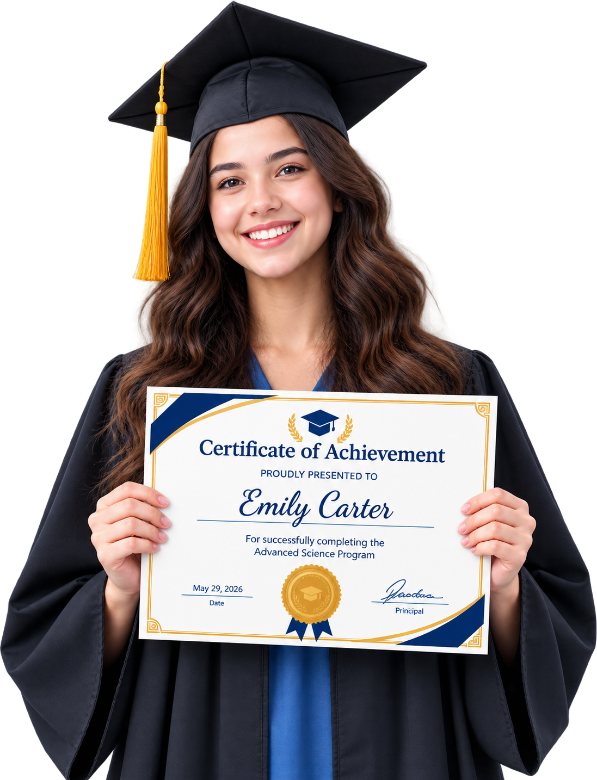
openSIS enables institutions to generate student certificates that recognize completion, achievement, and other important academic milestones. Using student information already maintained within the system, schools can create consistent, professional certificates without rebuilding student details manually.
From completing a program to recognizing an accomplishment, certificates provide students with a formal record of what they have achieved.

One connected record. From classroom to graduation.
Give teachers the flexibility to grade their way, give students greater visibility into their progress, and give your institution an academic record that grows with every learner.